
Creating Shell Scripts in Enterprise Linux
Automate Linux tasks with practical Bash scripting skills
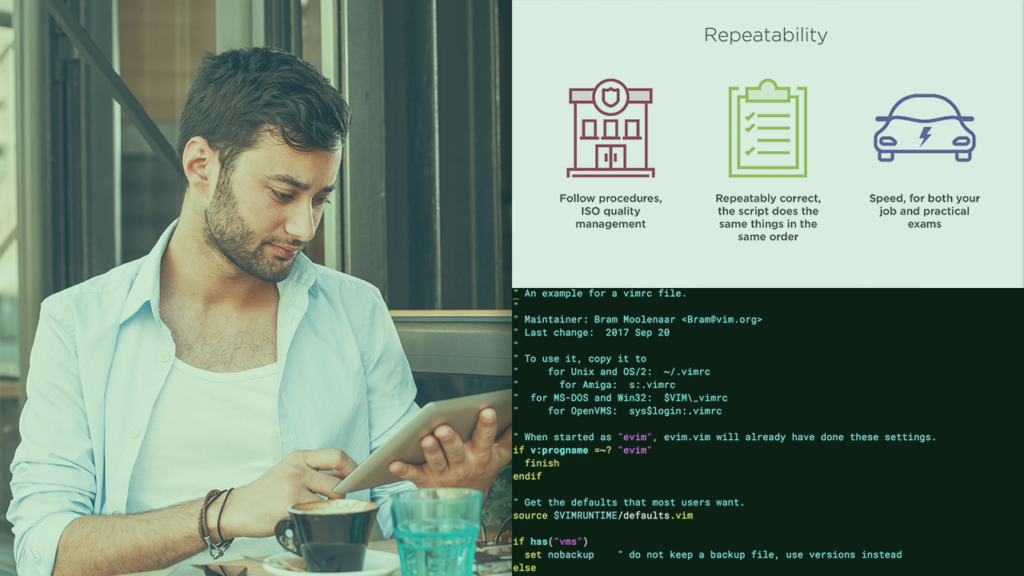
Creating Shell Scripts in Enterprise Linux is a concise, practical course aimed at Linux administrators and operations staff who want to automate repetitive system tasks using shell scripts and Bash. It emphasizes hands‑on scripting techniques including effective Bash script structure, vim editing shortcuts, conditional logic, command‑line looping, and designing operator menus to limit non‑privileged actions.
Learners can expect to develop measurable skills to write, test, and deploy scripts that reduce manual effort and improve consistency across enterprise systems. The focus on real‑world automation and controlled operator workflows makes this course a pragmatic upskill for mid‑level sysadmins and DevOps practitioners seeking immediately applicable scripting capabilities.
At a Glance
Creating Shell Scripts in Enterprise Linux teaches practical shell scripting techniques aimed at Linux administrators to automate repetitive system tasks.
The course is presented by Andrew Mallett and covers writing effective scripts, using vim shortcuts, conditional BASH logic, command-line looping, and building operator menus to limit user tasks.
| Level | Intermediate |
| Rating | 4.6 out of 5 |
| Duration | 2+ hours |
| Languages | English |
| Certificate | Certificate of completion |
| Access | Access for as long as your subscription is active |
| Course includes | Video lessons |
| Price | Subscription-based, monthly or annual plans |
What This Course Teaches
This course frames outcomes as concrete, measurable scripting competencies for Linux administrators focused on automation and safe operator workflows.
By the end of the course learners should be able to write, test, and deploy shell scripts that automate routine tasks while limiting operator actions through controlled menus.
How the Course Is Structured
The course is organized into a compact sequence of focused lessons that together form a concise, practical syllabus for Linux administrators.
Total runtime is approximately 2 hours and 10 minutes across four discrete lessons.
Curriculum overview
01Course Overview▾
Introduces the course goals and outlines the scripting topics and workflow used in subsequent lessons.
02Why Scripting Is Important▾
Explains the role of automation in reducing repetitive administrative work and motivating scripting practice.
03Looping from the Command Line▾
Demonstrates loop constructs usable at the shell prompt to process multiple items and automate batch tasks.
04Summary and What’s Next▾
Recaps key takeaways and recommends next steps for continued development of shell scripting skills.
Audience & Requirements
Creating Shell Scripts in Enterprise Linux is aimed at Linux administrators and IT professionals who need to automate routine system tasks and improve operational efficiency. It suits mid-level system administrators, DevOps engineers, and support staff who already use the shell and want to convert manual workflows into repeatable, safer scripts.
- Mid-level Linux system administrators automating routine tasks.
- DevOps engineers building operational scripts for deployments and maintenance.
- IT support staff who operate servers and need controlled operator workflows.
- Comfort with the Linux command line and basic Bash usage.
- Access to a Linux shell (native system, VM, or container) for practicing scripts.
- Familiarity with basic system administration concepts such as users and permissions.
Final Verdict
Given its strong platform rating, concise practical syllabus, and inclusion with a subscription that issues a completion certificate, this course represents good value for learners seeking focused, applicable shell‑scripting skills.
It’s especially worth taking for mid‑level Linux administrators, DevOps engineers, and IT support staff who want to convert manual workflows into repeatable automation; the short, targeted format makes it an efficient upskill option. Absolute beginners should pair this with a basic command‑line course first, since the content assumes prior shell familiarity.


 DataCamp
  Codecademy