
Advanced Editor Scripting in Unity and MonoDevelop
Build custom Unity editor tools and automate workflows
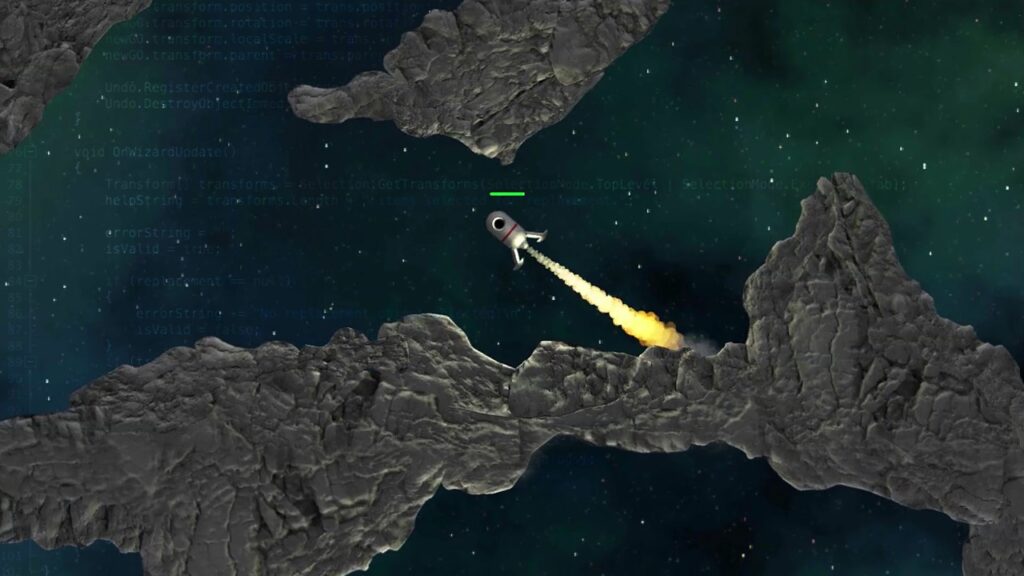
Advanced Editor Scripting in Unity and MonoDevelop is a Pluralsight tutorial that teaches experienced Unity users how to extend the editor by creating custom menus, contextual commands, keyboard shortcuts, and scriptable wizards using C# and MonoDevelop. The course emphasizes practical editor scripting techniques so you can automate repetitive tasks and integrate tools directly into the Unity editor workflow.
The material targets intermediate-to-advanced Unity developers, technical artists, and pipeline engineers who want to implement validated wizards, display notifications and progress, and persist tool settings via EditorPrefs, enabling more efficient project pipelines and team workflows.
At a Glance
Advanced Editor Scripting in Unity and MonoDevelop is a Pluralsight course that teaches how to create menus and wizards integrated into Unity’s editor interface. It is presented by a Pluralsight instructor and covers adding menu items, keyboard shortcuts, scriptable wizards, and editor automation techniques to speed up game development.
| Level | Advanced |
| Rating | 4.6 out of 5 |
| Duration | 1+ hours |
| Languages | English |
| Certificate | Certificate of completion |
| Access | Access for as long as your Pluralsight subscription is active |
| Course includes |
|
| Price | Subscription-based; included with Pluralsight individual and business plans |
What This Course Teaches
Learners finish the course able to implement concrete editor automation features inside Unity’s editor and measure their impact by shipping usable tools. The syllabus targets building menu-driven commands, keyboard shortcuts, scriptable wizards, and editor UX features that reduce repetitive work for game developers.
How the Course Is Structured
The course is organized as a sequence of short, focused lectures that progress from an introduction into targeted editor-scripting topics. It comprises 15 modules in total and runs approximately 1 hour 53 minutes overall, with each module presented as a concise clip focused on a single editor feature or workflow.
Curriculum overview
01Introduction and Project Overview▾
02Creating a Basic Menu Item▾
03Developing a Contextual Menu▾
04Creating Context Menu Items▾
05Controlling Menu Options▾
06Prioritizing Menu Items and Creating Separators▾
07Using Menucommands▾
08Creating a Basic Scriptablewizard▾
09Filling in the Scriptablewizard▾
10Displaying Help and Errors in a Wizard▾
11Validating Wizard’s Settings▾
12Using a Wizard’s ‘Other Button’▾
13Visualizing Notifications and Dialog Boxes▾
14Displaying Progress▾
15Saving Settings with Editorprefs▾
Audience & Requirements
This course is aimed at Unity users who need to extend the editor with custom tools, menus, and wizards rather than beginners learning the engine for the first time. It suits practitioners who write scripts to automate workflows and integrate tool-driven processes into a team’s Unity project.
- Experienced Unity developers building custom editor tools and shortcuts.
- Technical artists or pipeline engineers who automate repetitive editor tasks.
- Game programmers looking to add keyboard shortcuts, context menus, and wizards to projects.
- Teams creating internal editor workflows and time-saving utilities.
- Unity 4.5 (or a compatible Unity 4.x editor) installed.
- MonoDevelop (or another C# IDE) configured for Unity development.
- Working knowledge of Unity’s editor and intermediate C# scripting ability.
- A Unity project to experiment with and test custom editor scripts.
Final Verdict
This short, focused course is a practical, cost-effective way for experienced Unity users to learn to build editor tools and automation. Its concentrated syllabus and generally strong reception, together with subscription-based access and a completion certificate, make it a sensible choice for practitioners who need to reduce repetitive work in Unity projects.
Best suited to intermediate-to-advanced Unity developers, technical artists, and pipeline engineers who will apply these techniques immediately. It is not the right starting point for complete beginners or anyone without a working Unity/MonoDevelop setup; those learners should acquire core Unity and C# fundamentals first before attempting advanced editor scripting.


 LinkedIn Learning

 Skillshare