
C# Fundamentals
Get productive writing C# across platforms
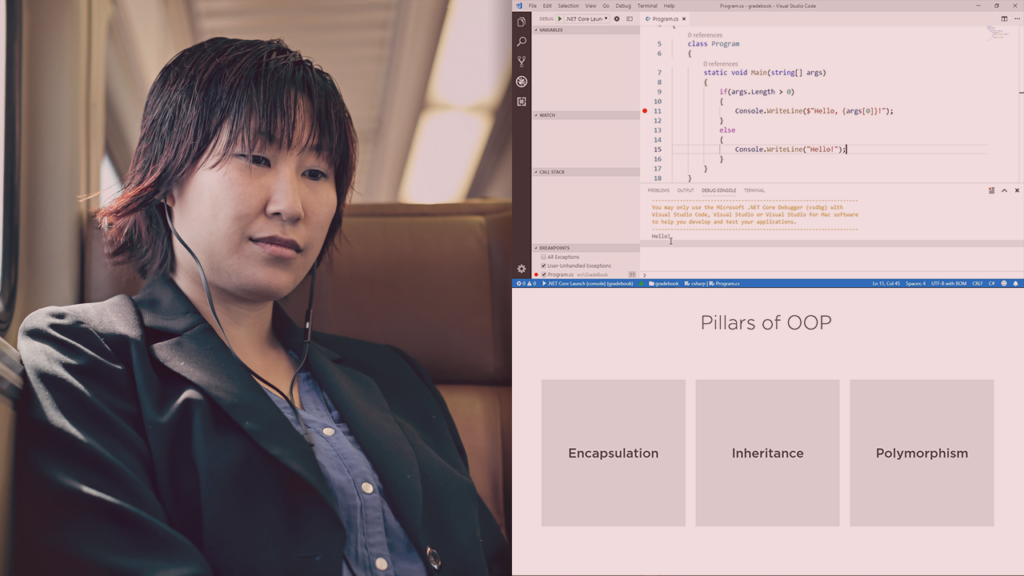
C# Fundamentals is an approachable introductory course that teaches core C# syntax, essential .NET concepts, and object-oriented programming to help you build and run practical applications.
The course emphasizes hands‑on work with the dotnet CLI, editor tooling such as Visual Studio Code or Visual Studio, and basic debugging workflows so learners become productive across platforms. It is aimed at beginners and programmers moving between languages who want a concise, practical path into cross‑platform C# development and the broader .NET ecosystem.
At a Glance
C# Fundamentals is an introductory course that teaches core C# syntax, essential .NET concepts, and object-oriented techniques for solving real problems.
It is taught by Scott Allen and is designed to get learners comfortable reading and writing C# code across platforms while introducing common tooling and debugging practices.
| Level | Beginner |
| Rating | 4.7 out of 5 |
| Duration | 6+ hours |
| Languages | English |
| Learners | 1K+ learners |
| Certificate | Certificate of completion |
| Access | Access for as long as your subscription is active |
| Course includes |
|
| Price | Included with subscription; monthly or annual plans |
What This Course Teaches
By the end of the course, learners will be able to read and write C# code, apply core .NET features, and implement object‑oriented solutions to practical problems.
The outcomes are framed as actionable competencies you can measure by building small programs, using tooling, and debugging working applications.
How the Course Is Structured
The course is organized as a sequence of concise, topic-focused modules — in total there are 12 modules that together run for roughly 6 hours.
Modules are short video lessons that progress from environment setup and tooling to language essentials and debugging, designed for self‑paced completion.
Curriculum overview
01Course Overview | 1m 27s▾
Sets expectations and outlines the course structure and goals.
02Introduction | 1m▾
Brief welcome and orientation to the instructor’s approach.
03Downloading .NET for Windows, macOS, and Linux | 2m 34s▾
Walks through obtaining and installing the .NET runtime and SDK for supported platforms.
04Understanding .NET and .NET Core | 1m 43s▾
Explains .NET editions and where C# runs across platforms.
05Understanding the .NET Runtime and Framework | 2m 37s▾
Covers runtime components and the framework basics that support C# programs.
06Using the .NET Command Line Interface | 3m 54s▾
Demonstrates creating, building, and running projects with the dotnet CLI.
07Creating the First C# Project | 5m 9s▾
Guides you through scaffolding and inspecting a simple C# project structure.
08Editing C# Code with Visual Studio Code | 4m 39s▾
Shows editor features and extensions useful for C# development in VS Code.
09Running and Building Your Project | 6m 34s▾
Covers build and run workflows, including common build issues and fixes.
10Saying Hello with C# | 7m 44s▾
A hands-on walk-through of creating a basic “hello world” application and core language constructs.
11Debugging a C# Application | 9m 20s▾
Introduces debugging techniques and tools to diagnose and fix runtime issues.
12Summary | 46s▾
Recaps the course and suggests next steps for continued learning.
Audience & Requirements
The course targets complete beginners and developers new to the C# ecosystem who want a hands‑on, practical introduction to the language and .NET tooling.
It is suitable for students, programmers transitioning from other languages, and hobbyists who want to build small cross‑platform applications.
- Complete beginners learning programming with C#.
- Developers experienced in other languages who want to adopt C#/.NET.
- Professionals seeking to add C# for workplace projects or upskilling.
- Hobbyists building simple console or desktop apps across platforms.
- No prior C# experience required.
- Installed .NET SDK for your platform (Windows, macOS, or Linux).
- A code editor such as Visual Studio Code or Visual Studio (recommended).
- Basic familiarity with programming concepts is helpful but not mandatory.
Final Verdict
This course is a compact, practical introduction to C# that offers clear value for beginners and developers moving into the .NET ecosystem.
Given its strong community reception, experienced instructor, and the platform access and certificate model, it’s a solid first step for learners who want to become productive with C# quickly; those seeking deep, advanced .NET specialization should plan to follow it with more focused, project‑based training.


 Codecademy
  DataCamp