
iOS 17 Fundamentals
Build and publish iOS 17 apps with Swift and SwiftUI
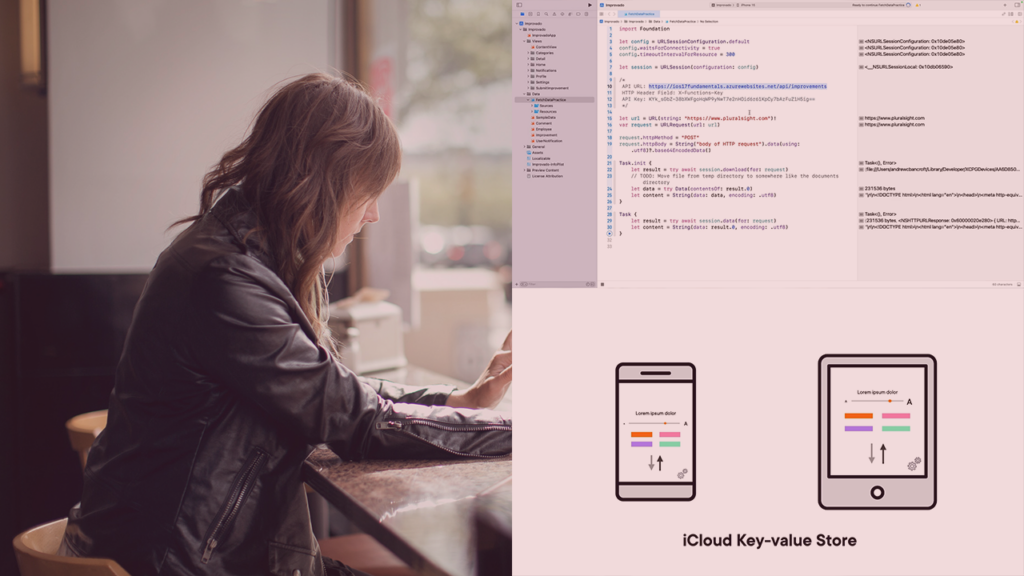
iOS 17 Fundamentals introduces developers to building modern iOS apps using Xcode 15, Swift, and SwiftUI, with a practical focus on adaptive interfaces, accessibility, and localization across Apple devices.
Through compact, task-focused modules you learn core platform features such as networking, data management, push notifications, widgets, and the steps to prepare and submit an app to the App Store. By the end of the course you should be able to implement SwiftUI layouts, integrate REST APIs and notifications, and produce a release build suitable for iOS 17 distribution.
At a Glance
iOS 17 Fundamentals is an entry-level course that teaches developers how to build apps for iOS 17 using Xcode, Swift, and SwiftUI.
The instructor, Andrew Bancroft, guides learners through designing adaptive, accessible interfaces and integrating common iOS features such as networking, notifications, widgets, and App Store publishing.
| Level | Beginner |
| Rating | 4.6 out of 5 |
| Duration | 5+ hours |
| Languages | English |
| Certificate | Certificate of completion |
| Access | Access for as long as your subscription is active |
| Course includes |
|
| Price | Subscription-based (monthly or annual plans) |
What This Course Teaches
This course trains learners to build and ship iOS 17 apps using Xcode, Swift, and SwiftUI, enabling them to implement adaptive, accessible interfaces; integrate networking and data-management workflows; add notifications and widgets; and publish an app to the App Store.
How the Course Is Structured
iOS 17 Fundamentals is organized into 8 distinct modules that group short, focused video clips by topic, and the complete course runs about 5+ hours total.
The curriculum moves from a brief orientation and setup through design and platform guidance, then into practical feature modules and App Store publishing.
Curriculum overview
01 Course Overview ▾
Brief orientation that describes the course scope and what learners should expect to cover.
02 Preparing to Build iOS 17 Applications ▾
Covers environment/version checks, learning approaches, transitioning apps to iOS 17, and guidance for supporting older iOS releases.
03 Designing Applications for iOS 17 ▾
Introduces Human Interface Guidelines, adaptive layouts, Dynamic Type, Dark Mode, SF Symbols, accessibility practices, and localization.
04 Performing Common Networking Tasks ▾
Explains URLSession usage, connectivity checks, HTTP requests and responses, REST API requests, error handling, and integrating networking with SwiftUI.
05 Managing Data ▾
Discusses data management scenarios, encoding/decoding models, UserDefaults, iCloud key-value synchronization, property lists, and basic file management.
06 Adding Push Notifications ▾
Covers notification scenarios, requesting permissions, sending and responding to local and remote notifications, testing, and configuring a remote notification server.
07 Implementing Widgets ▾
Shows how to add and configure widgets in Xcode, share data between app and widget, make widgets configurable, and create interactive widgets.
08 Publishing to the App Store ▾
Walks through preparing assets, building a release, configuring App Store Connect, and submitting an app for review.
Audience & Requirements
iOS 17 Fundamentals targets developers and technically minded learners who want to start building or update existing iOS apps for iOS 17. It is suitable for beginners and migrating developers who need practical, task-focused guidance on using Xcode 15, Swift 5, and SwiftUI to implement platform features and publish apps.
- Career changers and junior developers preparing to build iOS apps.
- Experienced developers migrating apps or updating skills for iOS 17.
- Indie developers and hobbyists who want to prototype and publish iOS apps.
- Team members responsible for adding widgets, notifications, or modern UI patterns.
- A Mac capable of running Xcode 15 with Xcode 15 installed.
- Familiarity with basic programming concepts; prior Swift experience is helpful but not required.
- An Apple Developer Program membership if you plan to publish to the App Store or test certain device features.
Final Verdict
iOS 17 Fundamentals is a practical, focused course that helps learners get current with building and publishing apps for iOS 17 without a large time commitment.
Recommended for beginners, career changers, and developers who need a concise, platform-focused update and who already use (or plan to use) a subscription learning service that issues certificates.
The course is a cost-effective choice if you value a well-rated, compact introduction delivered inside a subscription library; it is less suitable as a standalone, portfolio-building bootcamp and is best paired with hands-on projects or supplementary resources for deeper practice.




 LinkedIn Learning