Photoshop CC Fundamentals
Learn practical Photoshop workflows for editing and compositing
Photoshop CC Fundamentals, taught by Matthew Pizzi, is an introductory course that teaches practical Photoshop workflows for photo editing, compositing, and digital painting.
The curriculum emphasizes hands‑on techniques — including working with layers, masks, blend modes, retouching, color correction, and basic animation — so learners can produce polished assets for graphic design, UX, and other creative projects.
At a Glance
Photoshop CC Fundamentals is an introductory course taught by Matthew Pizzi that introduces core Photoshop workflows and tools. It covers photo editing, compositing, digital painting, basic animation, and design-focused techniques used across UX and graphic work.
| Level | Beginner |
| Rating | 4.6 out of 5 |
| Duration | 6+ hours |
| Languages | English |
| Certificate | Certificate of completion |
| Access | Access while your subscription is active |
| Course includes |
|
| Price | Subscription-based (monthly or annual plans) |
What This Course Teaches
By the end of the course, learners can apply reproducible Photoshop workflows to edit and prepare images for design or publication. The curriculum frames outcomes as measurable skills such as performing retouching, implementing color correction, using layers and masks, and composing basic composites or digital illustrations.
How the Course Is Structured
The course is organized as a sequence of concise sections that walk learners through Photoshop’s interface and core workflows. The publicly listed syllabus shows 17 discrete clips/modules and the course runs about 6 hours and 48 minutes in total.
Curriculum overview
01 Course Overview ▾
02 Version Check ▾
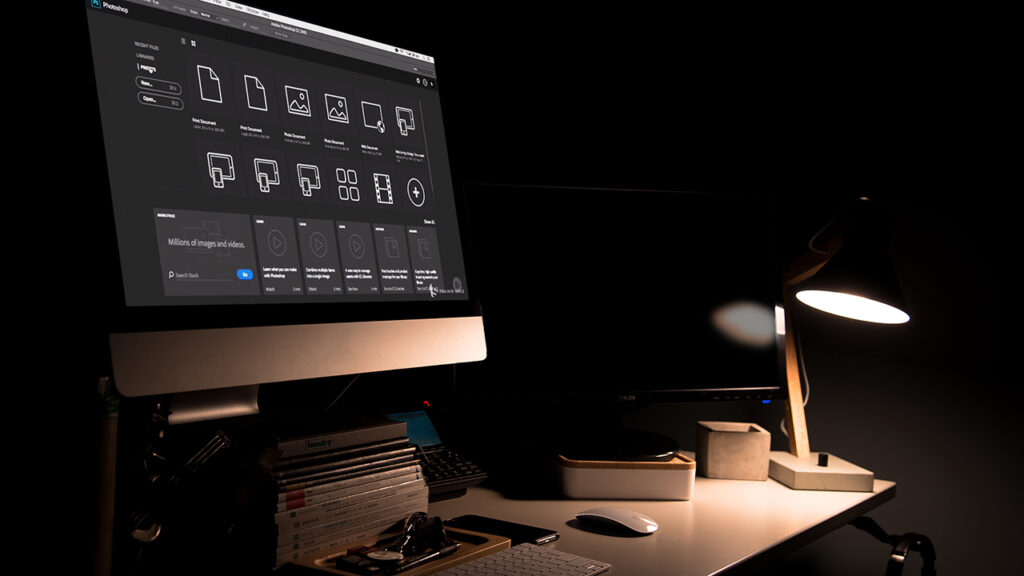
03 The Welcome Screen ▾
04 Creating New Documents ▾
05 Mac and Windows Differences ▾
06 Artboards ▾
07 Introducing Panels ▾
08 Moving and Customizing Panels ▾
09 Customize Panels and the Toolbar ▾
10 Keyboard Shortcuts and Menu Commands ▾
11 Using Workspaces ▾
12 Interface Shading Options ▾
13 Screen Modes ▾
14 Working with Multiple Documents ▾
15 Tab Preferences ▾
16 Document Navigation ▾
17 Preferences Dialog Box ▾
Audience & Requirements
Photoshop CC Fundamentals is aimed at learners who need a practical, hands‑on introduction to Photoshop’s core workflows. The course suits beginners, creative hobbyists, photographers, and designers who want to quickly gain usable skills in editing, compositing, and basic digital painting or animation.
- Complete beginners seeking a practical introduction to Photoshop workflows.
- Photographers who want retouching and color‑correction skills.
- Graphic and UX designers preparing Photoshop assets for projects.
- Digital artists and hobbyists learning basic painting and simple animation techniques.
- Photoshop CC 2021 (the course specifies this version as required).
- No prior Photoshop experience required.
- A computer that meets Photoshop CC 2021 system requirements.
Final Verdict
Photoshop CC Fundamentals is a practical, well‑paced introduction that is worth taking for beginners and creative professionals who want to gain immediately usable Photoshop skills. Given its strong rating and broad adoption among learners, together with an included certificate and subscription access model, the course offers good value for anyone who intends to apply Photoshop to photography, design, or digital art workflows.
If you need only a brief orientation, this course may be more in‑depth than necessary, but for learners who plan to practice and build a portfolio it is a sensible first step; those aiming for advanced, production‑level work should follow it with targeted intermediate or specialist courses.


 LinkedIn Learning
 Skillshare