Web Design Essentials: Creating Marketing Homepages That Drive Results
Design conversion-focused homepages with Photoshop/Sketch and InVision
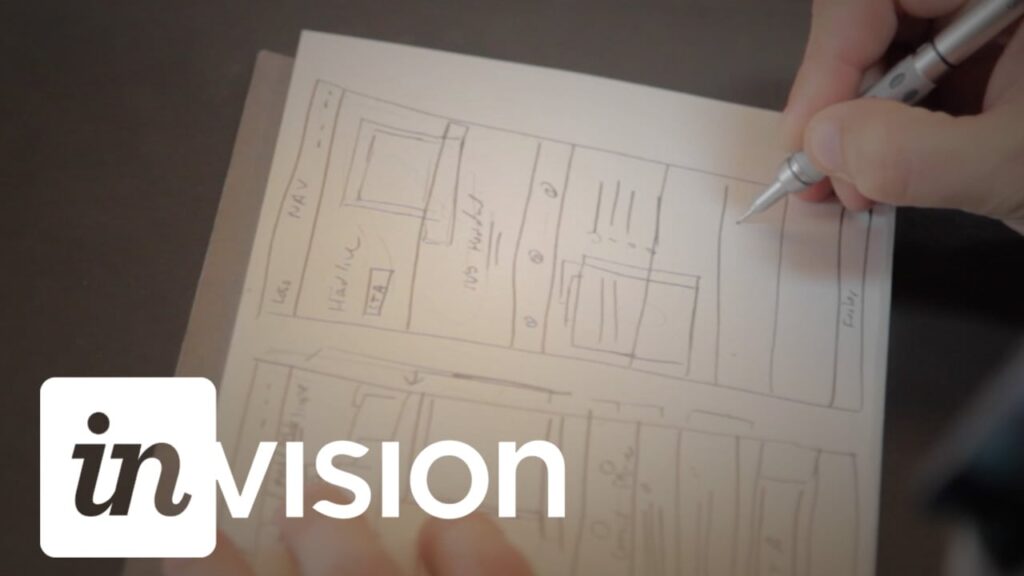
Web Design Essentials: Creating Marketing Homepages That Drive Results is a compact, project-focused class for designers aiming to craft conversion-oriented marketing homepages. Taught by designer and InVision evangelist Dennis Field, it emphasizes practical workflows and prototyping with Photoshop or Sketch and collaborative review via InVision.
The course guides learners through goal definition, sketching for hierarchy, and building high-fidelity comps into a shareable prototype that prioritizes user flow and sign-ups. It emphasizes measurable design choices and a deliverable-focused approach you can apply immediately to client or personal projects.
At a Glance
Web Design Essentials: Creating Marketing Homepages That Drive Results is a Skillshare class that guides designers through creating conversion-focused marketing homepages.
It is taught by designer and InVision product evangelist Dennis Field and covers goal definition, sketching and hierarchy, designing in Photoshop or Sketch, collaborating via InVision, and finalizing a prototype for launch.
| Level | Beginner |
| Rating | 4.6 out of 5 |
| Duration | 1+ hours |
| Languages | English |
| Learners | 10K+ students |
| Certificate | No certificate |
| Access | Access with Skillshare subscription; available while subscription is active |
| Course includes |
|
| Price | Included with subscription |
What This Course Teaches
This course frames outcomes as measurable competencies you can demonstrate when building conversion-focused marketing homepages.
Learners will be able to define page goals, sketch hierarchical layouts, build high-fidelity designs in Photoshop or Sketch, apply InVision workflows to gather feedback, and finalize a prototype ready to share for launch.
How the Course Is Structured
Organized into 6 focused modules, this course presents short, sequential lessons that move from strategy and sketching to high-fidelity design, collaboration, and a final hands-on project; the whole class runs about 1 hour in total.
The course pairs concise video segments with a practical class project so learners can apply each step immediately and produce a shareable prototype.
Curriculum overview
01Defining the goals of the webpage▾
Explains how to identify target outcomes and set measurable conversion goals for a marketing homepage.
02Sketching with consideration for hierarchy and user patterns▾
Covers rapid sketching techniques to establish visual hierarchy and common user interaction patterns.
03Creating designs in Photoshop or Sketch▾
Shows how to translate wireframes into high-fidelity comps using Photoshop or Sketch, focusing on layout and interface polish.
04Collaborating with others and receiving feedback using InVision▾
Demonstrates InVision workflows for sharing prototypes, collecting stakeholder feedback, and iterating on designs.
05Finalizing your design for launch▾
Explains preparing assets and prototype exports for handoff or launch, including polishing copy and imagery.
06Hands-on Class Project▾
Complete a homepage prototype for a mock or real business using the course assets and tools, demonstrating a clear conversion flow.
- Create and save an InVision project prototype
- Share the project link and screenshot(s) in the class project gallery
- Deliverables should include a clear user flow, hero imagery, an About section, a well-designed interface, a Testimonials section, a sign-up form, and a social media footer
Audience & Requirements
This class is aimed at freelance website and product designers, small web-design teams, and designers who want to make marketing homepages that drive sign-ups and conversions.
It suits practitioners seeking a practical, tool-focused workflow for designing and prototyping conversion-oriented homepages.
- Freelance website and product designers refining client work.
- Small web-design teams building marketing landing pages.
- Designers looking to improve homepage conversion and UX strategy.
- Design students or self-taught designers wanting practical prototyping experience.
- Photoshop or Sketch (to create high-fidelity designs).
- A free InVision account (for sharing and prototyping).
- Basic familiarity with your chosen design app is recommended.
Final Verdict
For practicing designers and small teams who want a concise, tool-focused workflow for building conversion-oriented homepages, this class is a practical and efficient pick. It teaches a direct, hands-on process you can apply immediately and is especially good value if you already subscribe to the hosting platform.
However, it is not positioned as a deep certification program or a multi-week bootcamp, so learners seeking a comprehensive credential or extensive, advanced curriculum should look elsewhere. In short: recommended for designers wanting a quick, project-driven refresher on homepage strategy and prototyping; less suitable if you need formal certification or in-depth advanced training.


 Codecademy
 LinkedIn Learning