
Unity Fundamentals
Build your first playable 3D level in Unity
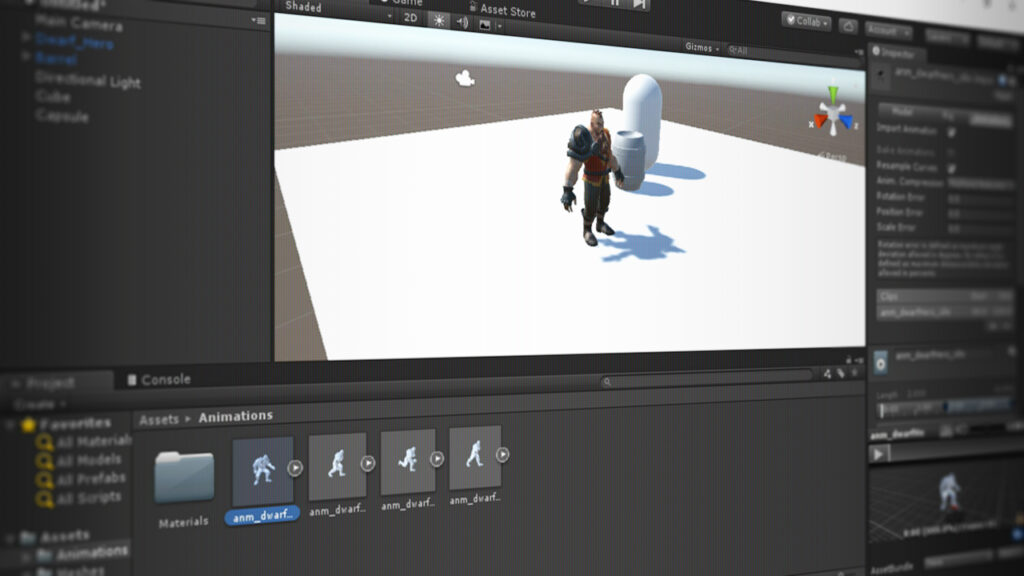
Unity Fundamentals is an introductory, project-based course that introduces core Unity workflows for building 3D games. Taught by Joshua Kinney on Pluralsight, it covers importing 3D assets, scene organization, lighting, C# scripting, and physics-driven interactions.
The course culminates in a playable dungeon crawler level that ties these skills together and gives learners practical experience with Unity’s editor and runtime features. It is well suited to beginners and creative professionals who want a concise, hands-on pathway to prototype and iterate on 3D game ideas.
At a Glance
Unity Fundamentals is an introductory course that teaches core workflows in the Unity game engine.
It’s taught by Joshua Kinney and covers importing 3D assets, project organization, lighting, scripting, physics, and building a playable level.
| Level | Beginner |
| Rating | 4.5 out of 5 |
| Duration | 7+ hours |
| Languages | English |
| Learners | Not published by platform |
| Certificate | Certificate of completion |
| Access | Access while your Pluralsight subscription is active |
| Course includes |
|
| Price | Included with subscription; pricing varies by plan and region |
What This Course Teaches
This course frames learning goals as actionable competencies that prepare you to assemble and program basic 3D game scenes in Unity.
By completion you will be able to import and organize assets, apply lighting, write gameplay scripts, implement physics-driven interactions, and build a playable dungeon crawler level.
How the Course Is Structured
The course is organized as a sequence of short, focused video modules and lesson clips grouped by core Unity workflows, with a Table of Contents listing each unit and clip. The full program contains multiple modules and clips totaling about 7+ hours of video instruction.
Audience & Requirements
This course targets beginners and early-stage creators who want a practical, project-based introduction to Unity’s core workflows.
Ideal learners include hobbyists, aspiring game developers, artists, and developers switching to Unity who want to quickly build and run a simple 3D game level.
- Aspiring game developers learning Unity workflows.
- Hobbyists creating simple 3D game prototypes.
- Artists or designers who need to import and set up 3D assets in Unity.
- Developers transitioning into Unity from other engines seeking hands-on practice.
- Unity 2017 installed — the course targets this version.
- No formal prerequisites; the course is labeled Beginner.
- Basic willingness to learn C# scripting; prior coding experience is helpful but not required.
- Recommended: a code editor such as Visual Studio for editing scripts.
Note: While the course is marketed for beginners, the scripting and physics modules require engagement with C# code; complete newcomers should be prepared to learn basic programming concepts alongside Unity.
Final Verdict
Unity Fundamentals is a practical, beginner-focused introduction that I recommend for learners who want a guided, project-based start with Unity. It is taught by an experienced author and is offered on a major subscription platform, which provides curated content and a completion certificate that adds modest credential value for portfolios or continuing education.
Choose this course if you want a concise, hands-on path to assemble a playable 3D level and are willing to engage with basic C# scripting as part of the learning process. If you need lifetime access or coverage tailored to the very latest Unity releases, compare other vendors before committing, but for a structured, well-reviewed starter course this is a solid choice.


 LinkedIn Learning

 Skillshare