
Creating Advanced Shapes in Illustrator
Master Illustrator's pathfinder and shape builder for precise custom shapes
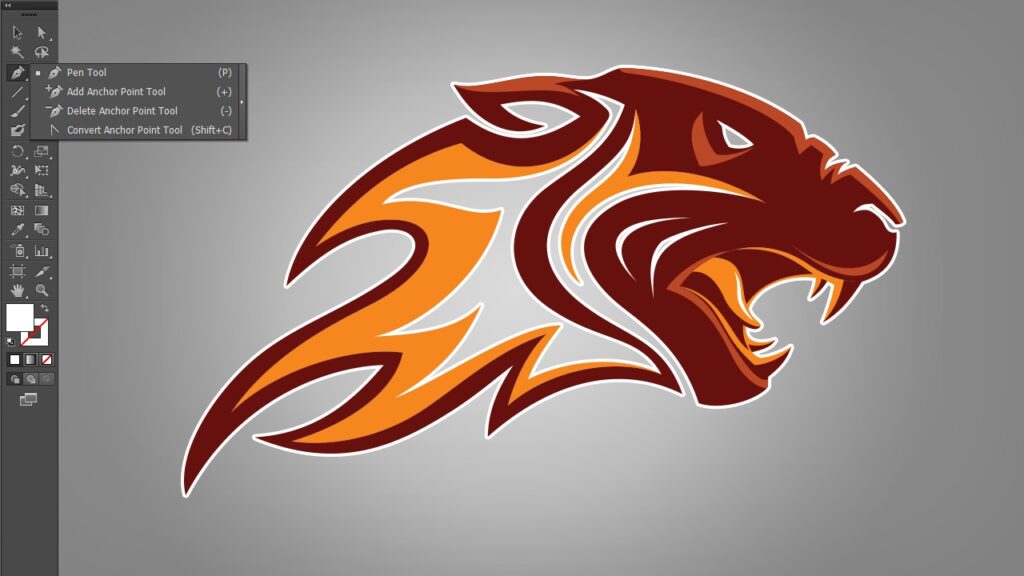
Creating Advanced Shapes in Illustrator is a focused, advanced course taught by Eddie Russell that demonstrates practical techniques for constructing complex vector shapes using Adobe Illustrator, with particular emphasis on the Pathfinder panel and the Shape Builder tool.
Learners will practice repeatable workflows for logo and icon construction, applying both destructive and non‑destructive edit strategies within Illustrator CS5 to produce precise, editable vector artwork.
At a Glance
Creating Advanced Shapes in Illustrator is a focused course taught by Eddie Russell that demonstrates techniques for building complex vector shapes using Illustrator’s core shape tools.
It walks through the pathfinder panel and the shape builder tool and applies those techniques to practical work such as custom logo construction.
| Level | Advanced |
| Rating | 4.6 out of 5 |
| Duration | 1+ hours |
| Languages | English |
| Certificate | Certificate of completion |
| Access | Access for as long as your subscription is active |
| Course includes |
|
| Price | Subscription-based, monthly or annual plans |
What This Course Teaches
Outcomes are framed as measurable competencies learners can demonstrate, emphasizing tool proficiency and workflow choices for creating advanced vector shapes in Illustrator.
Students will be able to apply pathfinder operations, implement the shape builder tool, and build custom logo shapes using both destructive and non‑destructive workflows.
How the Course Is Structured
The course is organized as a compact sequence of six focused modules and runs for approximately 1 hour and 17 minutes in total.
Lessons are short and task-oriented, progressing from tool orientation to practical application in a single applied project.
Curriculum overview
01Introduction and course overview▾
Orientation to the course goals, required software, and an overview of the Illustrator tools used in subsequent lessons.
02Breaking down the Pathfinder panel▾
A step‑by‑step walkthrough of the Pathfinder panel, explaining the available tools and when to use them.
03Shape modes and pathfinder operations▾
Demonstrates practical shape‑mode and pathfinder operations to create a variety of compound shapes and effects.
04Destructive vs non‑destructive workflows▾
Compares destructive editing and non‑destructive techniques, showing how to preserve editability when needed.
05Using the Shape Builder tool▾
Covers the Shape Builder tool workflow for merging, subtracting, and refining shapes created from overlapping paths.
06Applied project: building a custom logo▾
Applies the taught techniques to construct custom logo elements, illustrating how the tools combine in a real design task.
Audience & Requirements
This advanced course is intended for designers and illustrators who want to master Illustrator’s shape‑building tools to create complex vector artwork and logos.
It’s aimed at experienced Illustrator users, brand designers, and visual designers seeking efficient, repeatable workflows for custom shape construction.
- Experienced graphic designers refining vector and logo skills.
- Brand and identity designers who create custom marks and icons.
- Illustrator users moving beyond basic shapes to advanced construction techniques.
- Freelance or in‑house creatives seeking faster, repeatable shape workflows.
- Adobe Illustrator CS5 (the course uses CS5 features).
- Prior practical familiarity with Illustrator basics (paths, pen tool, layers).
Final Verdict
Given the course’s focused syllabus, practical logo project, and a strong user rating, this is a worthwhile, targeted upskill for designers who already know Illustrator and want to gain efficient, repeatable techniques for creating complex vector shapes. It delivers compact, applied training that translates directly to real design work for experienced users.
It is not the best choice for complete beginners or anyone without access to the specific Illustrator version used in the lessons, and the subscription access model means availability depends on an active plan. For practicing designers or brand creators seeking a short, practical deep dive, the course is recommended; casual learners or those needing a comprehensive, multi‑hour advanced curriculum should consider broader alternatives.

 Skillshare


 LinkedIn Learning