Getting Started with Kubernetes
Get practical skills to deploy and manage Kubernetes apps
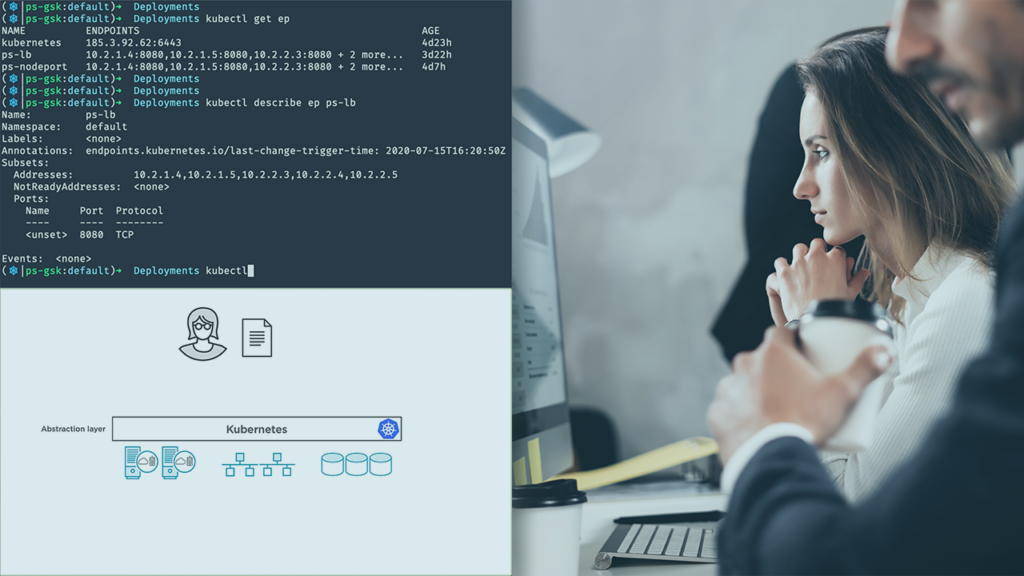
Getting Started with Kubernetes introduces core concepts of container orchestration and the Kubernetes way, blending architecture overview with hands-on demonstrations. The course emphasizes practical workflows that help learners move from single containers to managing applications across a cluster in both local and cloud environments.
Through focused modules you learn kubectl, cluster setup, Pods, Services, and Deployments, then apply scaling, self‑healing, rolling updates, and rollbacks in hands‑on demos.
The concise, demo-driven format is designed for learners who want immediate, applicable skills in cloud-native operations rather than long-form theory, making it a pragmatic first step toward more advanced Kubernetes administration or application orchestration work.
At a Glance
Getting Started with Kubernetes is an entry-level course that introduces Kubernetes fundamentals and practical deployment workflows.
It is taught by Nigel Poulton and focuses on Kubernetes architecture, running clusters locally and in the cloud, and deploying and managing applications with Pods, Services, and Deployments — including scaling, self-healing, rolling updates, and rollbacks.
| Level | Beginner |
| Rating | 4.7 out of 5 |
| Duration | 3+ hours |
| Languages | English |
| Certificate | Certificate of completion |
| Access | Access for as long as your subscription is active |
| Course includes |
|
| Price | Included with subscription (monthly or annual plans) |
What This Course Teaches
The course frames outcomes as demonstrable competencies that you can apply to real Kubernetes environments, from core concepts to practical deployment tasks.
Learners will finish able to explain Kubernetes architecture, set up kubectl and clusters locally or in the cloud, deploy applications using Pods/Services/Deployments, and perform scaling, self‑healing checks, rolling updates, and rollbacks.
How the Course Is Structured
The course is organized into 9 modules and 39 short video lectures presented in a linear, module-by-module sequence; it groups conceptual overviews, hands-on setup, and deployment-focused modules to move learners from theory to practice.
Total runtime is 3+ hours, with each module sized for short, watchable segments that you can complete in single sittings.
Curriculum overview
01Course Overview▾
Brief orientation to the course and what learners should expect to cover.
02Course Introduction▾
Outline of the course structure and navigation, including the module roadmap.
03What Is Kubernetes?▾
Introduces Kubernetes concepts, why it matters, and common terminology used in the ecosystem.
04Kubernetes Architecture▾
A detailed walkthrough of control plane components, nodes, the declarative model, pods, services, deployments, and the API server.
05Getting Kubernetes▾
Practical steps to obtain kubectl and run Kubernetes locally or on common cloud platforms.
06Working with Pods▾
How to author Pod manifests, deploy pods, and work with single- and multi-container examples.
07Kubernetes Services▾
Service theory and hands-on demonstrations of creating Services imperatively and declaratively, including load balancer types.
08Kubernetes Deployments▾
Deployment concepts, writing Deployment YAML, and managing scaling, self-healing, rolling updates, and rollbacks.
09What Next?▾
Final recommendations for continued learning and practical next steps after completing the course.
Audience & Requirements
This course is aimed at developers, operations professionals, and IT practitioners who need a practical, entry-level introduction to Kubernetes concepts and workflows.
It suits learners who want hands-on skills for deploying containerized applications and for understanding how Kubernetes structures production‑grade container infrastructure.
- Application developers who want to deploy and manage containerized apps on Kubernetes.
- Operations/SRE engineers learning core Kubernetes concepts for infrastructure work.
- IT professionals transitioning to cloud-native infrastructure and tooling.
- Students or hobbyists seeking a practical introduction to container orchestration.
- No prior Kubernetes experience — the course is presented at a beginner level.
- Basic comfort with the command line is recommended for following demos and manifests.
- Willingness to install kubectl and either a local Kubernetes runtime (e.g., Minikube or Docker Desktop) or access to a cloud account to follow hands-on sections.
Final Verdict
Given its favorable course rating and the fact that it is included with the platform subscription and awards a completion certificate, this is a compact, low-friction way to acquire practical Kubernetes fundamentals.
It is recommended for developers, operations engineers, and IT practitioners who need a hands-on primer to deploy and manage containerized applications; the concise format makes it easy to complete and apply quickly. For learners seeking deep, production-grade cluster administration or comprehensive exam preparation, this course is a useful first step but should be followed by longer, more advanced training resources.


 Codecademy