
Linux: Bash Shell and Scripts
Master Bash scripting to automate Linux tasks and streamline workflows
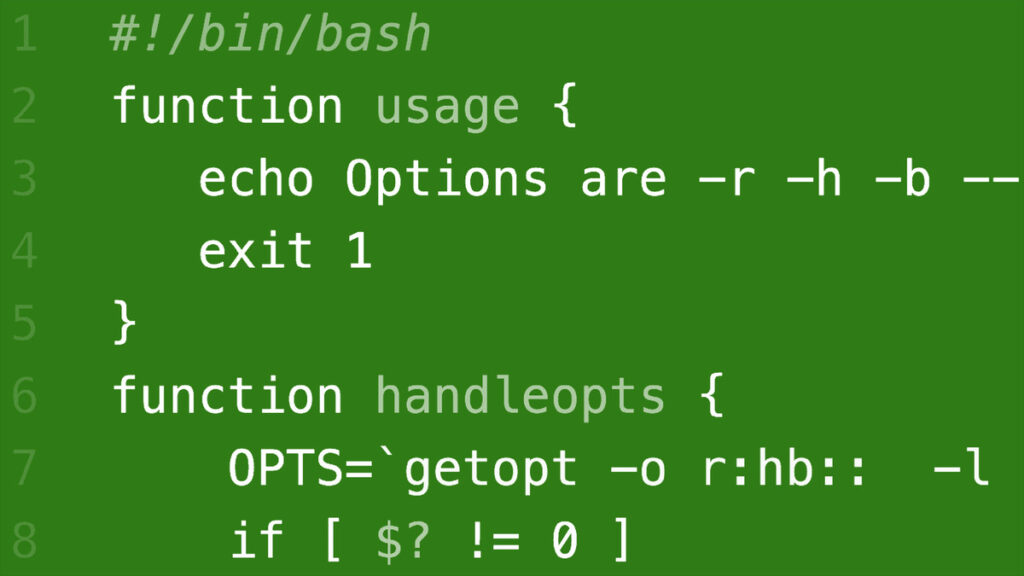
This course teaches practical Bash shell scripting for Linux users, system administrators, and developers, covering core shell concepts, variables and control structures, and text‑processing utilities such as sed and AWK.
Through hands‑on examples and scripting challenges, learners practice writing, debugging, and automating shell scripts while exploring advanced topics like coprocesses, traps, and argument parsing. The curriculum emphasizes applied skills for automation, reliable text manipulation, and routine systems administration tasks that can be integrated into daily workflows.
At a Glance
Linux: Bash Shell and Scripts is an online course that teaches practical Bash scripting for Linux users, system administrators, and developers.
Kevin Dankwardt leads hands-on lessons that cover the shell environment, variables and control structures, text processing with sed and AWK, and advanced topics such as coprocesses and debugging.
| Level | Intermediate |
| Rating | 4.6 out of 5 |
| Duration | 2+ hours |
| Languages | English |
| Certificate | Certificate of Completion |
| Access | Access for as long as your subscription is active |
| Course includes |
|
| Price | Included with LinkedIn Learning subscription (monthly or annual plans) |
What This Course Teaches
The course frames its aims as practical, job-relevant competencies you can apply to Linux administration and scripting tasks.
By course end you should be able to write, debug, and run Bash scripts that automate workflows, manipulate text data, and handle real-world input and errors.
How the Course Is Structured
The course is arranged as a compact set of topical sections that bundle short lessons and practical challenges into focused modules.
It is presented as six main sections and runs for about 2 hours and 45 minutes in total.
Curriculum overview
01Introduction▾
Course orientation covering the welcome, prerequisites, and how to use the downloadable exercise files.
02Intro to Bash Scripting▾
Introduces Bash documentation, shebangs and permissions, startup behavior, sourcing and aliasing, and basic commands like echo.
- Challenge: Scripts with exported variables, sourcing, and echo
- Solution: Scripts with exported variables, sourcing, and echo
03Variables, Control Structures, and Arithmetic▾
Covers typeset/declare, looping with for/while, reading input, defining functions, I/O redirection, and control-flow constructs including case and if tests.
- Challenge: Using local variables in functions, loops, and arithmetic
- Solution: Using local variables in functions, loops, and arithmetic
04Using Filters and Parameter Expansion▾
Teaches defining filters and using utilities like head, tail, and wc, plus sed and AWK and positional parameter operations.
- Challenge: Looping, special variable operators, sed, and AWK
- Solution: Looping, special variable operators, sed, and AWK
05Advanced Bash▾
Explores advanced topics such as the coproc command, debugging flags, signal traps, and utilities like eval and getopt through practical examples.
- Challenge: Debugging scripts using trap, eval, getopt, and coproc
- Solution: Debugging scripts using trap, eval, getopt, and coproc
06Conclusion▾
Final wrap-up with next steps and recommendations for continued learning.
Audience & Requirements
The course targets Linux users, system administrators, and software developers seeking practical Bash scripting skills for automation and text processing.
It is best suited to learners with basic command-line familiarity who want to build measurable scripting competencies for systems administration and automation.
- Linux system administrators automating maintenance and monitoring tasks.
- Developers who need to script build, deployment, or tooling workflows.
- IT operators preparing to improve operational efficiency or certification-relevant skills.
- Power users who want to automate repetitive shell tasks and data processing.
- Basic familiarity with the command line and common Unix utilities.
- Access to a Unix-like shell (Linux or macOS) or Windows with WSL for running scripts.
- A plain-text editor for writing scripts (examples: Vim, Nano, or VS Code).
- Comfort with intermediate-level topics is assumed by the course difficulty level.
Final Verdict
This compact, hands‑on Bash course is a practical, time‑efficient choice for Linux users, system administrators, and developers who need to automate tasks and build reliable shell scripts.
Given its strong rating, visible learner engagement, and the availability of a shareable certificate through the platform’s subscription access, it offers solid value for anyone who already subscribes or needs targeted upskilling in shell scripting. Complete beginners may prefer an introductory shell course first, but intermediate learners should find immediate, applicable returns from the curriculum.


 Codecademy
  DataCamp