Logo Design: Let The Type Do The Talking
Design typographic logos from sketch to polished vector
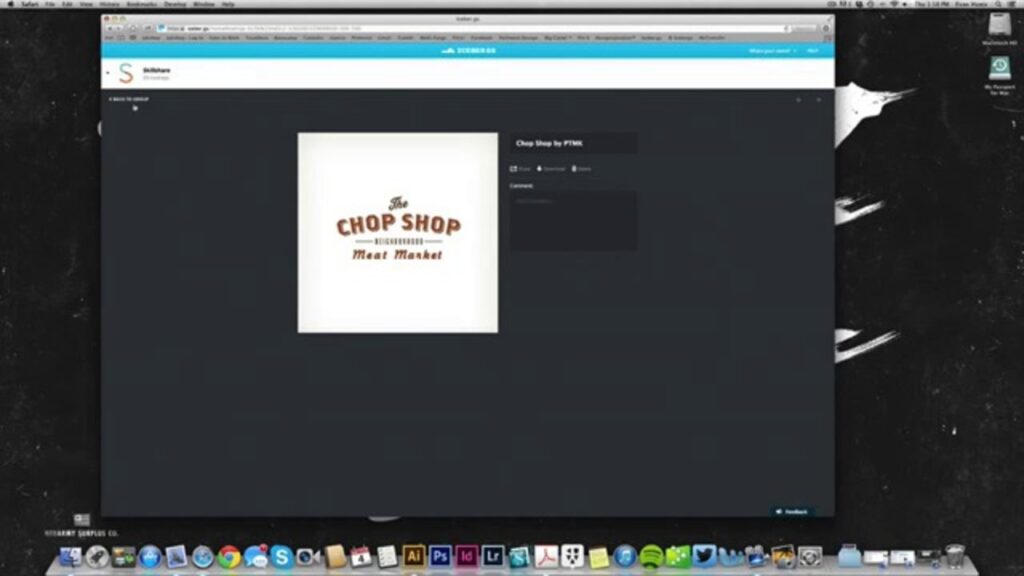
Logo Design: Let The Type Do The Talking is a concise, project-driven Skillshare class that teaches using typography as the central device for logo creation. It guides learners from sketching through vector digitization and type customization to final texture and polish, emphasizing practical workflows you can apply to brand identity work.
Taught by Evan Huwa, the course centers on a hands-on logo project with opportunities for peer and instructor feedback, making it suitable for creative hobbyists, junior designers, and anyone wanting to develop typographic logo skills using vector tools and real-world techniques.
At a Glance
Logo Design: Let The Type Do The Talking is a Skillshare class that focuses on using typography as the central element in logo design.
Taught by art director and designer Evan Huwa, the class walks through typographic history, sketching and digitizing workflows, and finishing techniques such as texture application, with a hands-on logo project and community feedback.
| Level | Beginner |
| Rating | 4.6 out of 5 |
| Duration | 1+ hours |
| Languages | English |
| Certificate | No certificate |
| Access | Access for as long as your subscription is active |
| Course includes |
|
| Price | Included with Skillshare subscription |
What This Course Teaches
The class frames outcomes as measurable competencies you can use to produce and polish typographic logos for real brands and projects.
By the end of the course learners will be able to explain typographic history, digitize and vectorize sketches, apply font-mixing and custom letterform techniques, implement type inside shapes, and add texture to finalize a logo for review.
How the Course Is Structured
The course is organized as a sequence of short, focused modules that combine instructor demos, step-by-step techniques, and staged project checkpoints.
In total the syllabus lists 15 modules/lessons and the class runs roughly 1+ hours of concise video content.
Curriculum overview
01Meet Your Teacher▾
Brief instructor introduction, background, and overview of the class approach to typographic logo work.
02Hands-on Class Project▾
Overview of the main project: design a typographic logo for a brand, with iterative sharing and feedback.
- Project: design your own logo for peer and instructor review
03History of Type▾
A concise history of typography to help you choose type appropriate to different audiences and brands.
04Research logos and fonts▾
Guidance on researching fonts and gathering logo inspiration to build a mood board and inform type choices.
05Sketch your ideas▾
Encourages rapid sketching and experimentation with font mixes, custom forms, and type-in-shape layouts.
06Show your sketches▾
Instructions for posting rough sketches to the class project page to solicit peer feedback and iterate.
- Post sketches for peer feedback on the project page
07Digitize Your Sketches▾
Introduces the digitizing workflow and Illustrator techniques for converting hand-drawn ideas into vectors.
08Digitize your sketch▾
Step-by-step: scan or photograph sketches, import to Illustrator, and vectorize using the pen tool and outlines.
09Share your digitized logos▾
Advice on experimenting with fonts and manipulating outlines, then sharing progress for critique.
- Share digitized versions for peer and instructor feedback
10Finalizing Your Logo▾
Finishing techniques focused on polishing mark details, adding texture where appropriate, and preparing deliverables.
11Apply texture▾
Techniques for adding fabric, photocopy, or paper-like textures to give logos character suited to the brand.
12Clean up logos▾
Practical cleanup: grouping, color checks, and final composition adjustments before exporting files.
13Save your logo▾
Guidance on exporting appropriate file types and organizing final assets for sharing or production.
14Share your final logo▾
Instructions to post the finished logo to the project page and request final feedback from the class community.
- Publish final logo for peer/instructor review
15Additional Resources▾
A curated list of further reading, foundries, texture sources, and external tutorials to extend learning beyond the class.
Audience & Requirements
The class is aimed at designers and creative hobbyists who want practical, type-first workflows for logo creation; it also suits students and small-business owners seeking a hands-on project to build or refine a typographic mark. It is best for learners who want a concise, project-driven introduction to sketch-to-vector logo production rather than a deep, formal typography course.
- Creative hobbyists exploring logo and identity work.
- Junior graphic designers building portfolio-ready typographic logos.
- Small-business owners or brand managers who want to craft or refine a typographic mark.
- Design students seeking a practical, project-focused introduction to type-driven logos.
- No special prerequisites — course is presented as beginner-friendly.
- Adobe Illustrator or a comparable vector editor to digitize and export logo artwork.
- Sketching materials (paper and pencil) plus a scanner or smartphone camera to import sketches.
- Skillshare subscription to access the full class materials and project pages.
Note: Although the course is labeled beginner-friendly, the digitizing and pen-tool demonstrations assume access to Illustrator and a basic comfort with vector-editor workflows — newcomers may need a short orientation to those tools to follow along smoothly.
Final Verdict
Overall, this is a concise, practical class that delivers focused, hands-on instruction for making typographic logos and is a good value for learners with access to the platform’s subscription.
The workshop-style lessons and positive platform rating make it well suited to creative hobbyists, junior designers, and small-business owners who want a fast, project-driven path from sketch to finished mark; however, it does not provide a formal certificate and relies on subscription access, so it’s less useful if you need accredited credentials or prefer a one-time-purchase course. If you already have or can access a vector editor and want a short, applied intro to type-driven logo work, this class is worth taking.


 Pluralsight

 LinkedIn Learning